Stays on your router
History and settings live on the router; exports are built in your browser. Only the speed test reaches Ookla’s servers. IP and MAC addresses, hostnames and ISP labels are discarded on import.
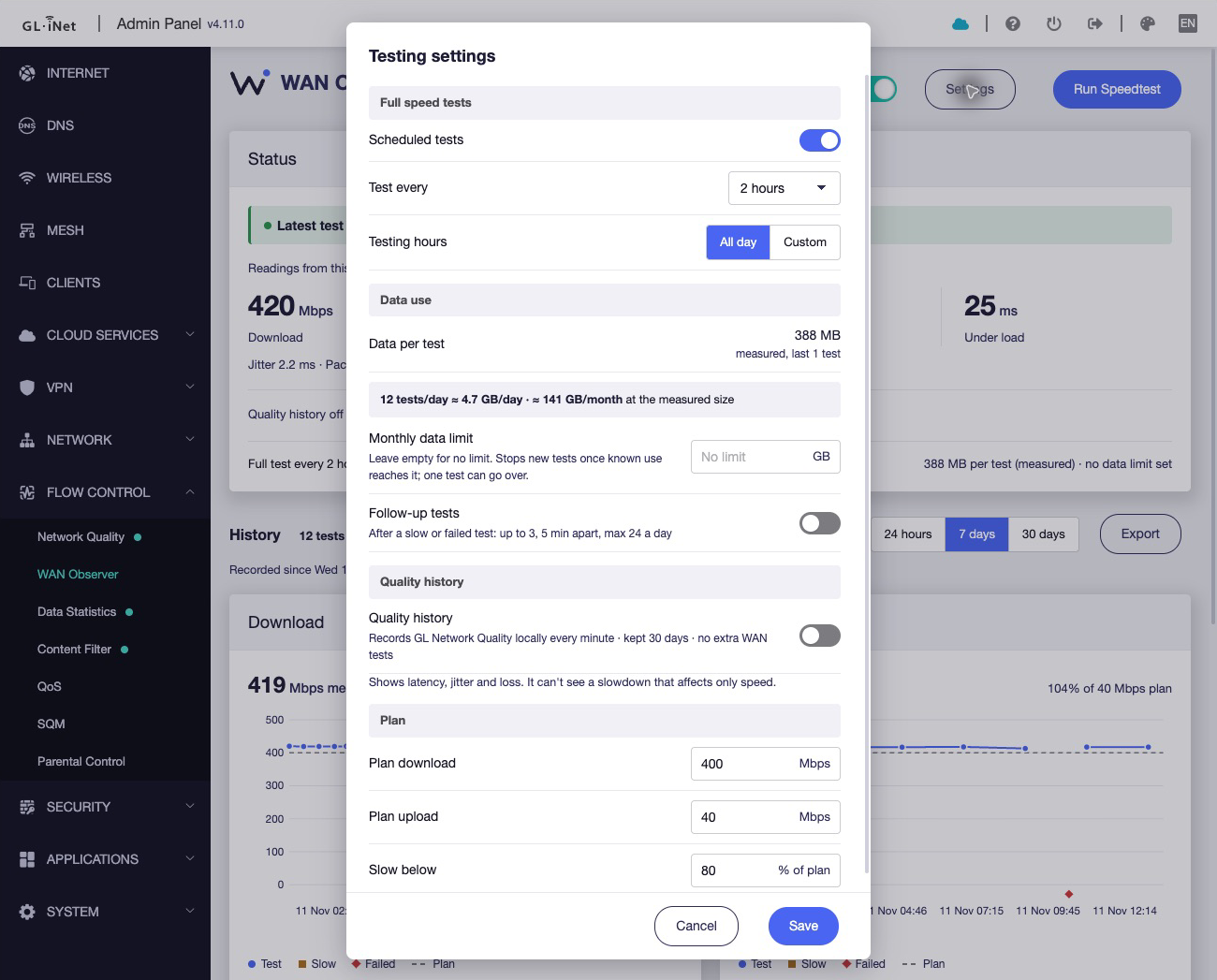
Privacy detailsScheduled and on-demand tests, run by the router itself and checked against the plan you pay for. When it is slow again, you have the record.
MIT licensed. Experimental: tested on a GL.iNet Flint 2, firmware 4.11.0.
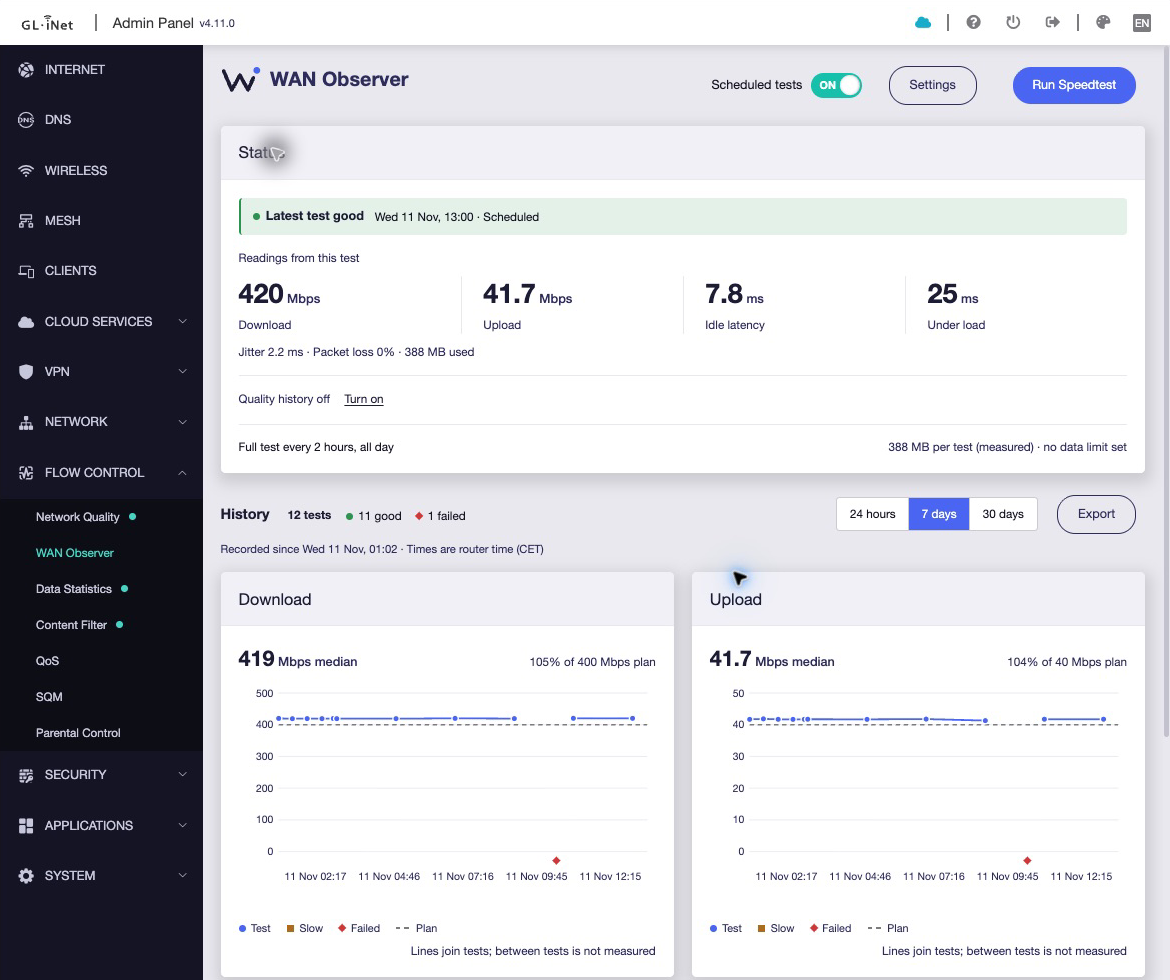
By the time you run a test, it is usually fine. WAN Observer keeps testing on the router at times you choose, so you can see when it happened and by how much.
A native page in the GL.iNet admin panel, under Flow Control.
A4, for the selected period, with an optional appendix of every test.
Every row behind it, for your own analysis or a ticket.
History and settings live on the router; exports are built in your browser. Only the speed test reaches Ookla’s servers. IP and MAC addresses, hostnames and ISP labels are discarded on import.
Privacy detailsMIT licensed, no account and no telemetry. Two opkg packages on POSIX shell and jq, with no Python, database or container on the router.
Read the sourceTested on a Flint 2 with firmware 4.11.0. Tests are samples, not outage monitoring, and reports are not certified proof. Frequent tests use real data.
LimitationsNeeds SSH/root access, opkg with jq and coreutils-timeout, and a permitted Ookla Speedtest CLI. Installing runs no tests.
SHA256SUMS, then verify with sha256sum -c opkg install wan-observer_*.ipk wan-observer-glinet_*.ipk